


How to Program Your Garage Door Remote
Is your garage door remote acting up? It can be frustrating when a simple push of a button fails to open your garage door. Whether you've just purchased a new remote or need to reprogram your existing one, this guide will provide you with everything you need to know. Reliable Garage Door Repair in Pembroke Park, FL, is here to ensure your garage door operates smoothly and securely.
Understanding Your Garage Door Remote
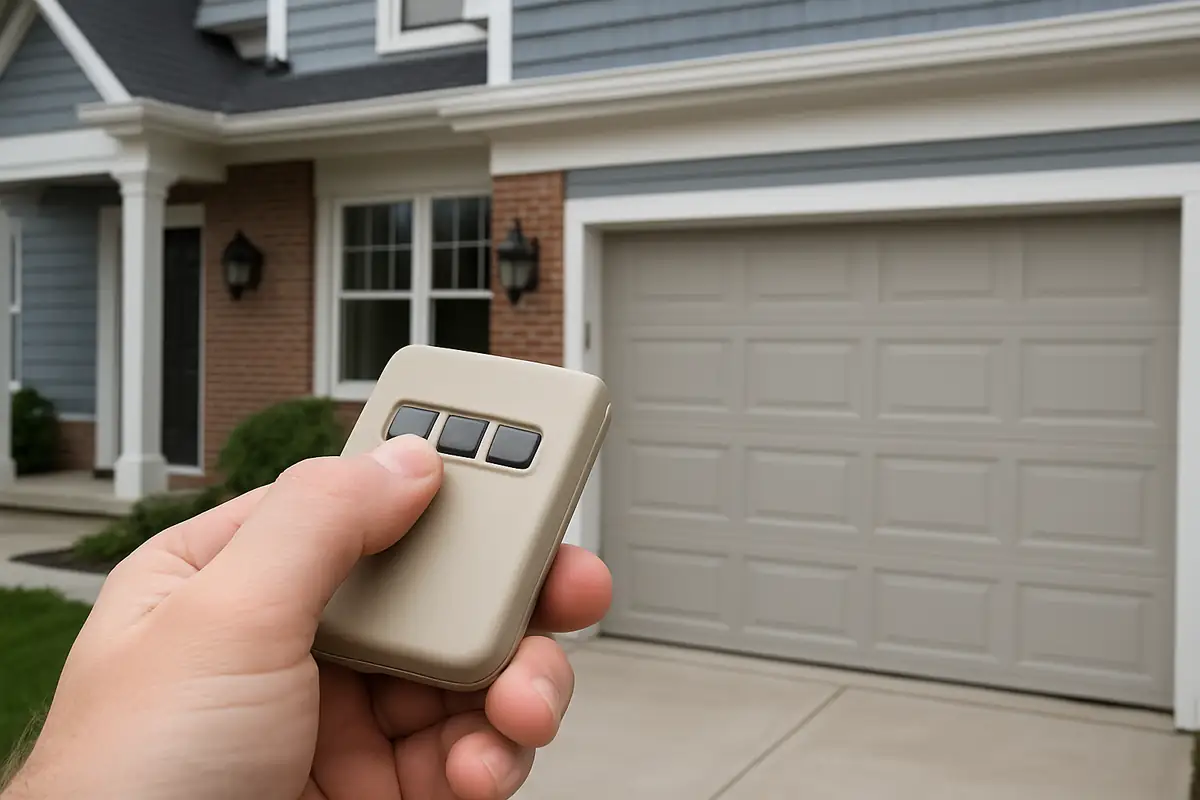
Before diving into programming, let’s understand the key components of your garage door remote:
- Transmitter: The device you hold in your hand that sends signals to the garage door opener.
- Frequency: Most remotes operate on frequencies between 300 and 400 MHz.
- Code System: This is how your remote communicates with the opener—usually through DIP switches or rolling codes.
Steps to Program Your Garage Door Remote
Step 1: Gather Your Supplies
To get started, gather the following:
- Your garage door remote
- Your garage door opener
- Step ladder (if needed)
- Owner’s manual (recommended)
Step 2: Locate the Learn Button
Most garage door openers have a “Learn” button, which is essential for programming:
- Find the Learn button on your garage door opener—typically located on the back or side, near the antenna.
- Press and hold the Learn button until the indicator light turns on (typically around 3 seconds).
Step 3: Program the Remote
With the Learn button activated, it’s time to program your remote:
- Press and hold the button on your remote you want to use (usually the main button).
- Hold it until you see the garage door opener’s lights blink. This usually takes about 2 seconds.
- Release the button on your remote—your garage door should respond, confirming the programming succeeded.
Troubleshooting Common Issues
If your remote isn’t programming, don’t worry! Here are some common issues and solutions:
- Remote Not Responding: Check the battery in your remote and replace it if needed.
- Door Won’t Open: Ensure you’re within range of the door and try positioning yourself closer.
- Learn Button Not Working: If the Learn button doesn’t function, consult your owner’s manual or consider a professional inspection.
When to Call Reliable Garage Door Repair
Even with these guidelines, some issues may require professional help. Here are signs it’s time to call in the experts:
- You have tried programming multiple times with no success.
- Your garage door making unusual noises or not functioning properly.
- Electrical issues with the garage door opener.
Our team at Reliable Garage Door Repair in Pembroke Park, FL, is always ready to assist you!
Statistics on Garage Doors
Did you know?
- According to the International Door Association, over 70% of homes in the U.S. have an attached garage.
- A properly functioning garage door can enhance your home’s security and curb appeal.
- Regular maintenance can extend the lifespan of your garage door by up to 30%!
Conclusion
Programming your garage door remote doesn’t have to be a daunting task. By following these steps, you can get your remote working in no time. However, if you find yourself facing persistent issues, don’t hesitate to reach out to us at Reliable Garage Door Repair in Pembroke Park, FL. We’re here to provide fast, reliable service to ensure your garage door operates perfectly. Contact us today for expert assistance!
Explore More Resources
Related Articles
Service Areas
We proudly serve Pembroke Park, Carver Ranches, West Park, Hollywood Ridge Farms, Miami Gardens and more areas.
Our Services
Professional garage door repair, spring repair, opener installation and more. View all services →
Weather-Proofing Your Garage Door: Essential Tips from Reliable Garage Door Repair in Pembroke Park, FL
How to Program Your Garage Door Remote: A Complete Guide for Pembroke Park Residents
