
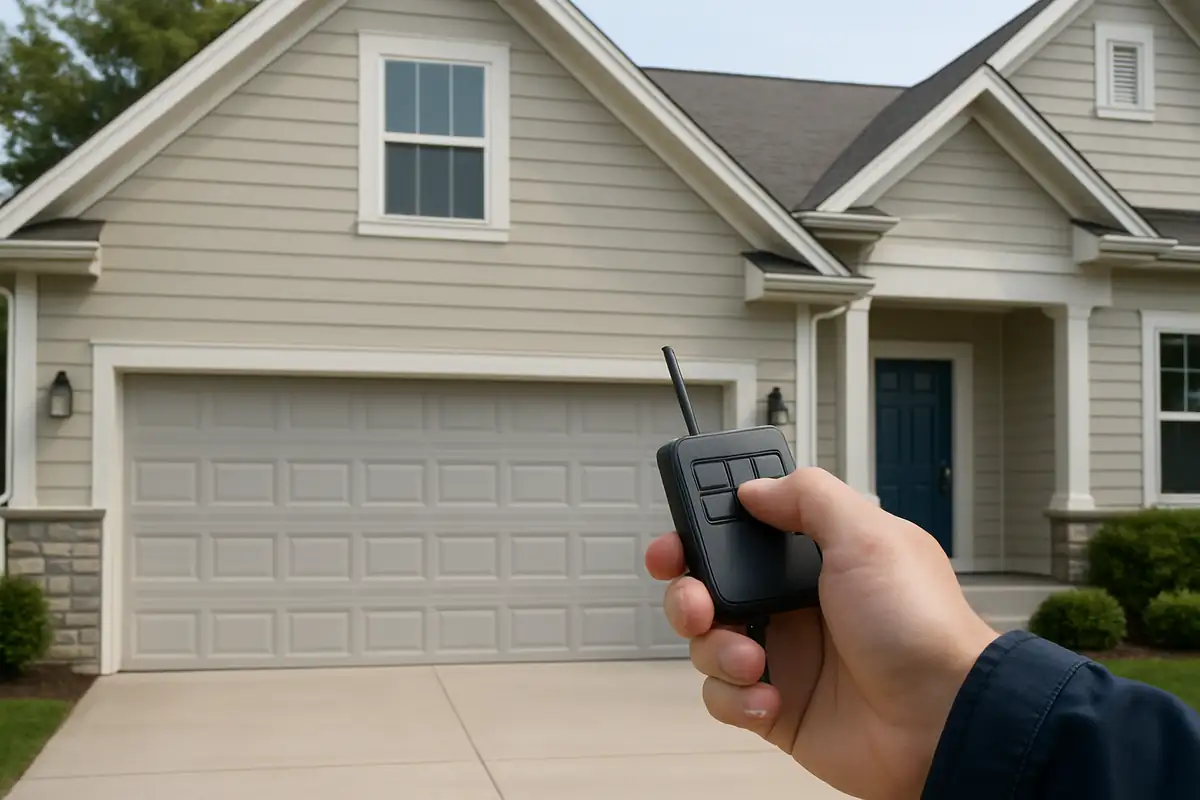

How to Program Your Garage Door Remote: A Complete Guide
Programming your garage door remote can seem like a daunting task, especially if you’re not tech-savvy. However, it’s an essential skill that every homeowner should master, particularly in Pembroke Park, FL, where convenience is key to a hassle-free lifestyle. In this guide, we at Reliable Garage Door Repair will walk you through the steps to successfully program your garage door remote and ensure that you regain control over your garage access.
Understanding Your Garage Door Opener
Before we dive into the programming process, it’s important to understand the different types of garage door openers. Knowing what type you have can make the programming process smoother.
- Chain Drive Openers: These are the most common and economical options, using a metal chain to lift the door.
- Belt Drive Openers: These are quieter than chain drives, using a rubber belt, making them ideal for homes with attached garages.
- Screw Drive Openers: This type has fewer moving parts, offering reliability and less maintenance.
Gathering the Necessary Tools
Before programming your garage door remote, gather the following tools:
- Your garage door remote
- The garage door opener’s manual (if available)
- A step ladder (if your garage door opener is mounted high)
Steps to Program Your Garage Door Remote
Now that you have everything ready, follow these steps to program your garage door remote:
Step 1: Locate the Learn Button
Most garage door openers have a Learn Button or Smart Button located on the motor unit. It’s usually found on the back or side of the unit. Press this button, and the indicator light will begin to blink, indicating that it is ready to learn a new remote.
Step 2: Prepare Your Remote
Hold your garage door remote close to the motor unit and press the button you want to use to operate your garage door. You should see the light on the motor unit blink or turn solid, depending on the model. This signals that the programming was successful.
Step 3: Test the Remote
After programming, step back and test the remote by pressing the button. Your garage door should now open or close smoothly, confirming that the remote is programmed correctly.
Troubleshooting Tips
If the programming doesn't work the first time, don’t fret! Here are some tips to help you troubleshoot:
- Make sure the batteries in your remote are fresh and installed correctly.
- Repeat the programming steps, making sure to press the learn button within 30 seconds.
- Ensure there are no obstacles or interference between the remote and the opener.
Common Issues with Garage Door Remotes
Garage door remotes may sometimes encounter issues, and understanding them can save you time and frustration:
- Remote Not Responding: This may happen if the batteries are dead or the remote is out of range.
- Doors Opening Unexpectedly: This can be caused by interference from other devices or issues with the garage door opener itself.
- Multiple Remotes Not Working: If your opener has reached its limit of programmed remotes, you may need to reset it.
Expert Tips for Remote Maintenance
To prevent future issues with your garage door remote, consider these maintenance tips:
- Regularly replace batteries to ensure optimal performance.
- Keep the remote clean and free from debris.
- Store the remote in a designated place to avoid loss.
Statistics on Garage Door Usage
Did you know that according to the International Door Association, over 70% of American homes have a garage door? With this in mind, ensuring your garage door remote works properly is more important than ever. Regular maintenance and knowing how to handle issues can enhance your home’s security and convenience.
Conclusion
Programming your garage door remote doesn’t have to be complicated. With the steps outlined above, you can regain access to your home with ease. However, if you continue to face issues or have questions, don’t hesitate to reach out to the experts at Reliable Garage Door Repair. Based in Pembroke Park, FL, we are here to provide you with professional assistance for all your garage door needs. Let us help you keep your home secure and convenient!
Explore More Resources
Related Articles
Service Areas
We proudly serve Pembroke Park, Carver Ranches, West Park, Hollywood Ridge Farms, Miami Gardens and more areas.
Our Services
Professional garage door repair, spring repair, opener installation and more. View all services →
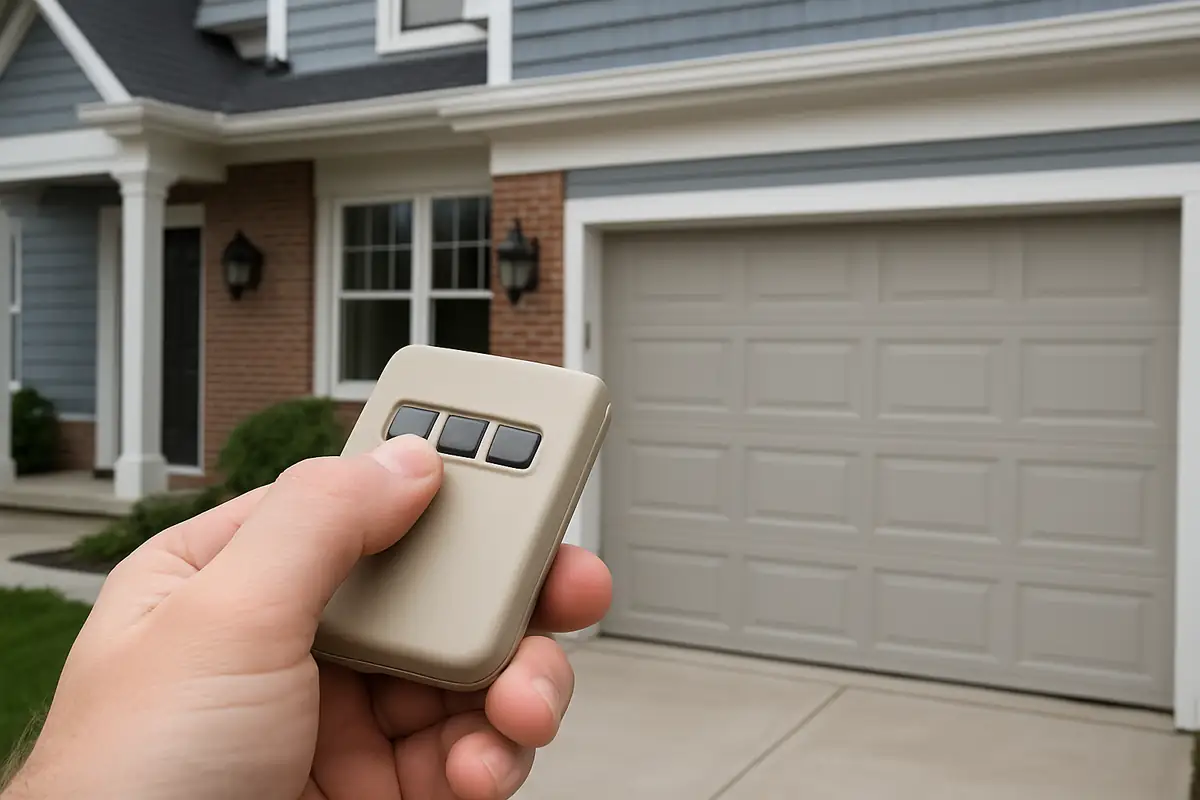
Weather-Proofing Your Garage Door: Essential Tips from Reliable Garage Door Repair in Pembroke Park, FL
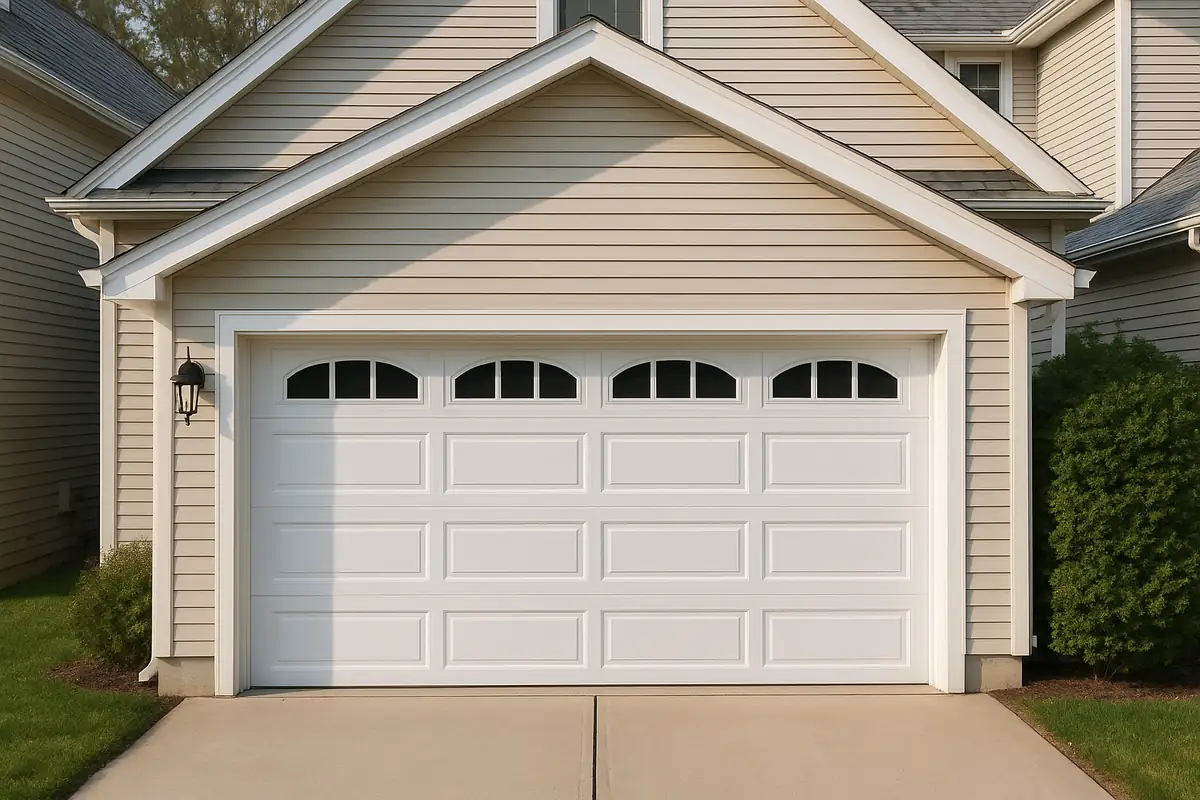
How to Program Your Garage Door Remote: A Complete Guide for Pembroke Park Residents
